Previously (see here), I had noted some problems that occurred upon performing an upgrade of the drivers for my Dell Intel 2915 ABG Wireless Network Card.
Specifically, I had to downgrade my router from acting as a wireless G router, to acting as a B/G router. This resulted in slower performance (from the router).
I am glad to say that this morning, I upgraded my network cards' drivers (see here) and it seems like Dell finally corrected this problem. I can safely say that the problems that I have encountered in the past have fully been resolved.
The update is for the Intel wireless adapter model number 2915 and 2200. Before upgrading, make sure to backup your 'profiles' that you connect to just in case.
Just thought that I would let you know!
Tuesday, December 19, 2006

Wednesday, December 06, 2006
Where is my context.xml coming from!?!
I recently modified some JSPs that were being served by Tomcat. Specifically, I added some 'Environment Entries' so that I could set some 'global' variables for my webapp.
I added things like the following to my context.xml file in the META-INF directory of my webapp:
I added things like the following to my context.xml file in the META-INF directory of my webapp:
<Environment name="maxExemptions" value="10" type="java.lang.Integer"/>
So that during execution I could do load the variable and use it like so:
After I deployed my new code, I tested it and found out quickly that the javax.naming.NamingException were being throw. The error basically stated that the variable was not bound in this context.
Context c = new InitialContext();
String maxExemptions =
  ((Integer)c.lookup("java:comp/env/maxExemptions")).intValue();
At first I thought that I did the whole looking up stored properties incorrectly. What really happened though, was that in my
/${catalina.home}/conf/Catalina/localhost/
directory was a cached copy of my context.xml file under the name of 'my_webapps_name'.xml.
Once I deleted that and restarted Tomcat, everything worked as expected.
If you came here trying to debug javax.naming.NamingExceptions, I recommend that you first try removing that file first!
Good Luck!
Wednesday, November 22, 2006
Funny EA Sports NHL 2007 Bug
I came across a bug that I reported to EA but wanted to share since I haven't come across anyone else that has encountered it before.
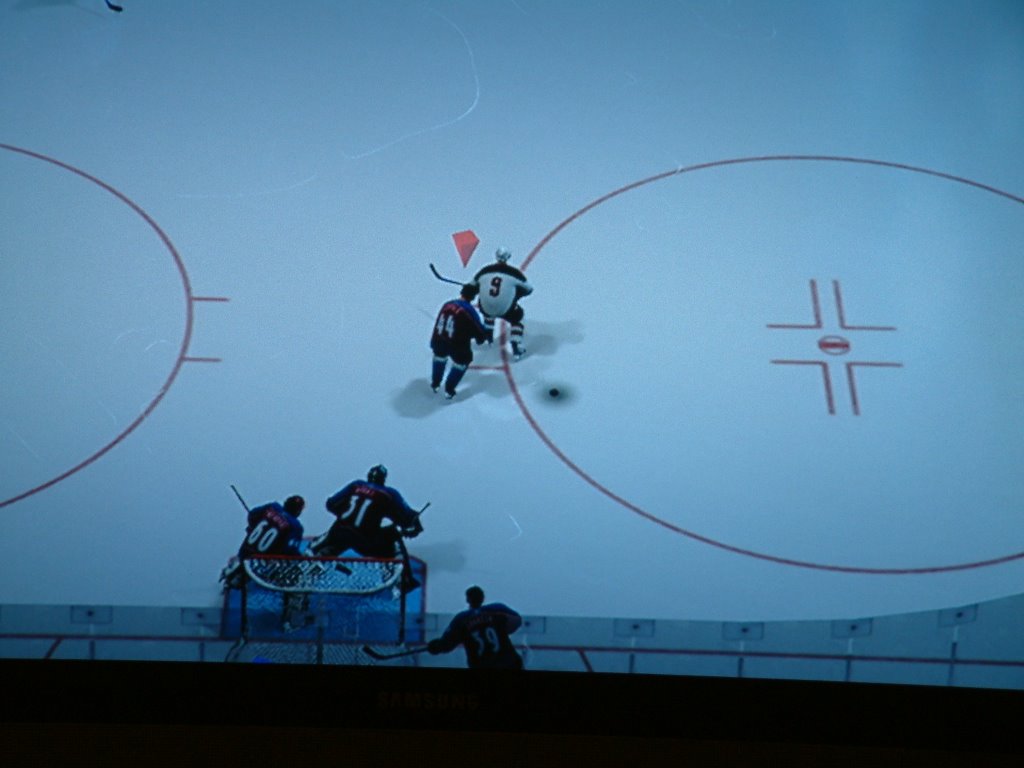
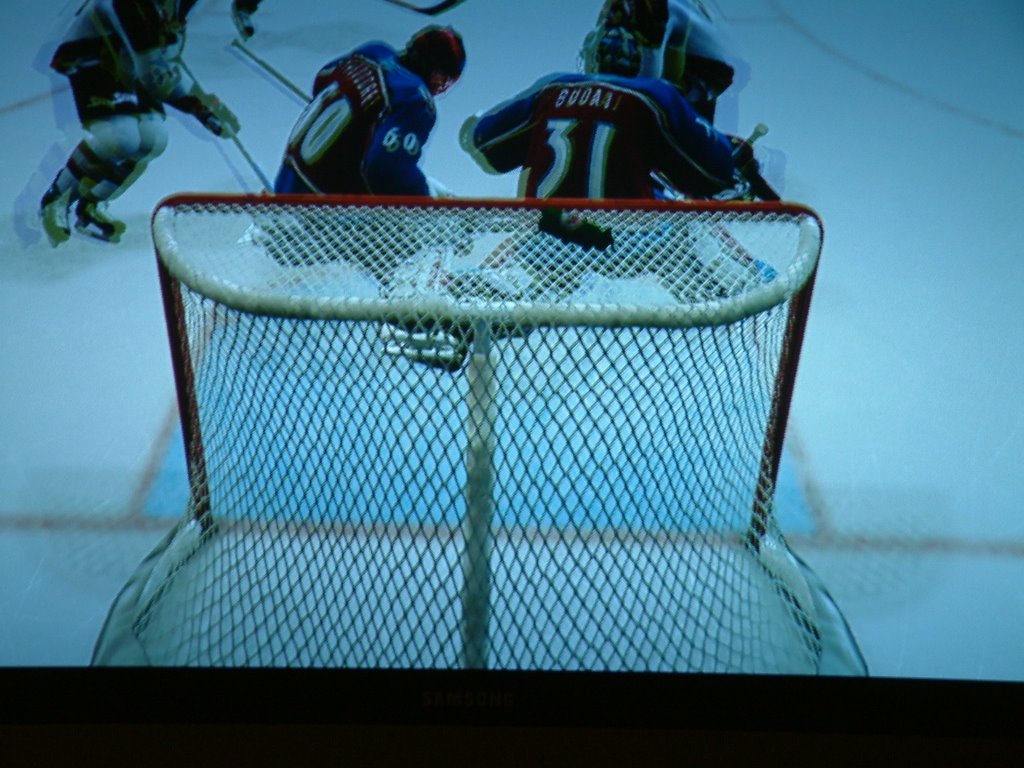
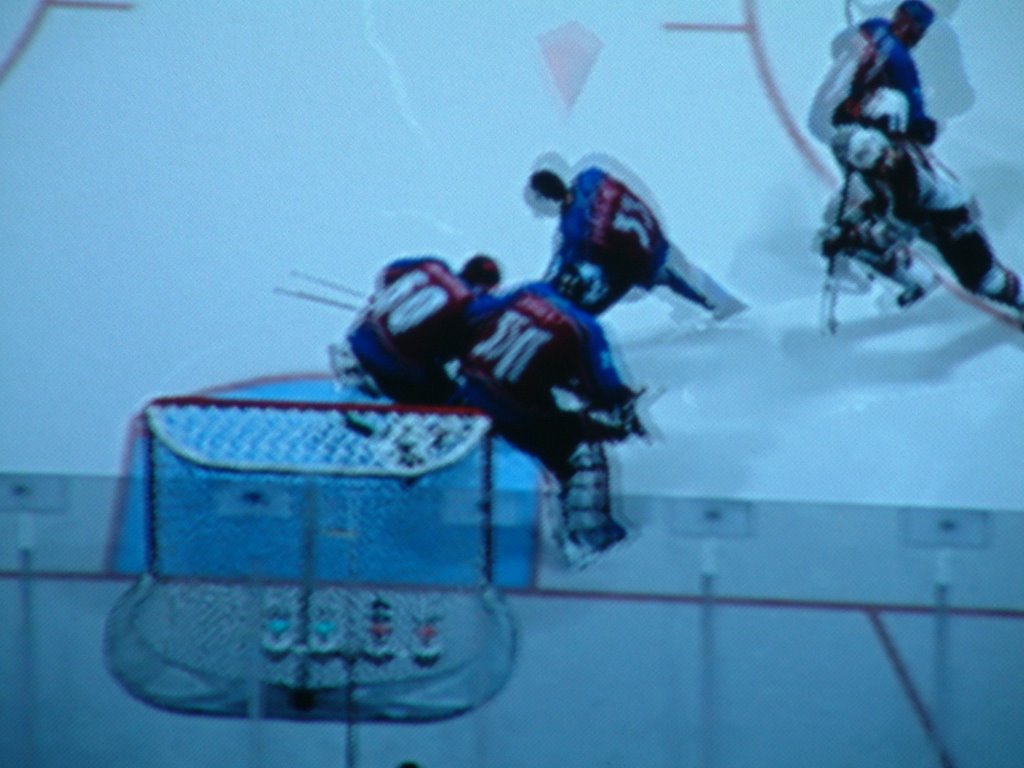
The basic gist of the bug is that there is an extra goalie on one of the teams. Moreover, the team that has the extra goalie seems to steal this man from the other team because they are one man shy. So not only does one team have an extra goalie, the extra man was taken from the other team!
Oddly, enough, I really like this bug. It's really fun trying to deke out both goalies. Right when you think that you have beat one of them, the other dives across and saves the day. Who knows, maybe EA should add a mini-game in the next installment that allows you to play against a team with an extra on ice goalie.
So how does one re-create this bug?



The basic gist of the bug is that there is an extra goalie on one of the teams. Moreover, the team that has the extra goalie seems to steal this man from the other team because they are one man shy. So not only does one team have an extra goalie, the extra man was taken from the other team!
Oddly, enough, I really like this bug. It's really fun trying to deke out both goalies. Right when you think that you have beat one of them, the other dives across and saves the day. Who knows, maybe EA should add a mini-game in the next installment that allows you to play against a team with an extra on ice goalie.
So how does one re-create this bug?
- First of all, I have an Xbox 360, so that is the only platform that I have tried this game on. So all other consoles are out of luck.
- Second, the bug has happened to me many times, and only when playing against a friend using the 'play now' mode. The team that always seems to be on the ice when this happens are the Buffalo Sabres. For the screenshots below, they were playing against Colorado.
- Thirdly, you have to edit your lines once you have chosen your teams and before loading the game. When changing your lines, try to have as many players listed as 'undefined, undefined, undefined'. If you don't know what I mean, try double shifting players repeatedly until this glitch occurs.
- Finally, go on and play the game. During a face off, you will notice that all of a sudden both teams are 4 on 4. After the face off, a player will come off the bench and his team will have an extra goalie.
Subscribe to:
Posts (Atom)
